Why Protecting Your Data Online Matters
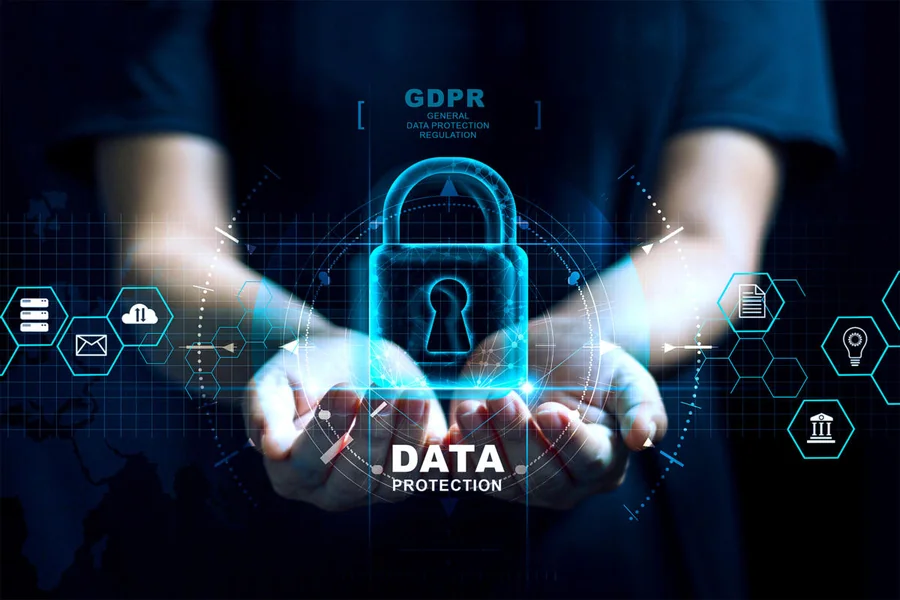
How to Protect Your Data Online is no longer just a concern for tech experts—it’s something everyone needs to understand. Every time you browse a website, log into an app, or make an online purchase, you are sharing pieces of your personal information. This includes your name, email, passwords, financial details, and even your location.
Cybercriminals are constantly looking for ways to exploit this information. From identity theft to financial fraud, the risks are real and growing. What makes it more challenging is that threats are becoming more sophisticated, often disguised as harmless emails, messages, or even trusted websites.
The good news is that protecting your data doesn’t require advanced technical skills. With a few simple habits and awareness, you can significantly reduce your risk and stay in control of your digital life.
Use Strong and Unique Passwords
One of the easiest and most effective ways to secure your data is by using strong and unique passwords. Many people still use simple passwords like “123456” or reuse the same password across multiple accounts. This makes it easy for hackers to gain access to several platforms if just one account is compromised.
A strong password should be long, unpredictable, and include a mix of uppercase letters, lowercase letters, numbers, and special characters. Avoid using personal information such as your name, birthdate, or phone number, as these can be easily guessed or found online.
It’s also important to use a different password for each account. While this might sound difficult to manage, password managers can help you store and generate secure passwords without needing to remember them all.
Changing your passwords regularly and enabling two-factor authentication (2FA) adds another layer of protection. Even if someone gets your password, they won’t be able to access your account without the second verification step. For more information you can visit techpora.
Be Careful with Public Wi-Fi Networks
Public Wi-Fi is convenient, especially when you’re traveling or working outside your home. However, it is also one of the most common ways cybercriminals intercept personal data.
When you connect to public Wi-Fi in places like cafes, airports, or hotels, your data can be exposed if the network is not secure. Hackers can monitor your activity and capture sensitive information such as login credentials or banking details.
To stay safe, avoid accessing sensitive accounts or making financial transactions on public Wi-Fi. If you must use it, consider using a Virtual Private Network (VPN). A VPN encrypts your internet connection, making it much harder for anyone to intercept your data.
Another good habit is to turn off automatic Wi-Fi connections on your device. This prevents your device from connecting to unknown or potentially unsafe networks without your knowledge.
Recognize Phishing and Online Scams
Phishing is one of the most common tactics used by cybercriminals to steal personal information. It usually involves fake emails, messages, or websites that appear to be from legitimate sources like banks, social media platforms, or online services.
These messages often create a sense of urgency, asking you to click on a link, verify your account, or provide sensitive information. Once you do, your data can be captured and misused.
To protect yourself, always double-check the sender’s email address and be cautious of unexpected messages. Avoid clicking on suspicious links or downloading attachments from unknown sources.
Look for signs such as poor spelling, unusual requests, or mismatched URLs. When in doubt, visit the official website directly instead of using links provided in messages.
Developing a habit of questioning online communications can go a long way in keeping your data safe.
Keep Your Devices and Software Updated
Software updates are not just about new features—they often include important security patches that fix vulnerabilities. Hackers frequently exploit outdated systems because they are easier targets.
Make sure your operating system, apps, antivirus software, and browsers are always up to date. Most devices allow you to enable automatic updates, which ensures you don’t miss critical security fixes.
Using trusted antivirus and anti-malware tools adds another layer of defense. These programs can detect and block harmful files, suspicious activity, and potential threats before they cause damage.
Regularly updating your devices also improves performance and stability, making it a win-win for both security and usability.
Manage Your Privacy Settings
Many apps and websites collect more data than you might realize. From social media platforms to mobile apps, your information is often used for advertising, analytics, and other purposes.
Take time to review and adjust your privacy settings. Limit the amount of personal information you share publicly, and control who can see your posts, profile details, and activity.
On your smartphone, check app permissions and only allow access to features that are necessary. For example, a simple game app does not need access to your contacts or location.
Disabling location tracking when it’s not needed can also help protect your privacy. Additionally, be mindful of what you share online, as once something is posted, it can be difficult to remove completely.
Being intentional about your digital footprint is a powerful step toward protecting your data.
Backup Your Data Regularly
Even with the best precautions, data loss can still happen due to hacking, device failure, or accidental deletion. That’s why regular backups are essential.
Backing up your data ensures that you can recover important files, photos, and documents if something goes wrong. You can use external hard drives, cloud storage services, or a combination of both.
Set a schedule for backups, whether weekly or monthly, depending on how often your data changes. Many cloud services offer automatic backups, making the process simple and hassle-free.
Having a reliable backup not only protects your data but also gives you peace of mind knowing that your information is not permanently lost.
Final Thought
Protecting your data online doesn’t have to be complicated. By adopting simple habits like using strong passwords, avoiding risky networks, staying alert to scams, and managing your privacy settings, you can significantly reduce your exposure to cyber threats.
The digital world offers convenience and opportunities, but it also requires responsibility. Staying informed and proactive is the key to keeping your personal information safe.
Start with small steps, stay consistent, and make online security a part of your daily routine. Over time, these habits will become second nature, helping you navigate the internet with confidence and peace of mind.