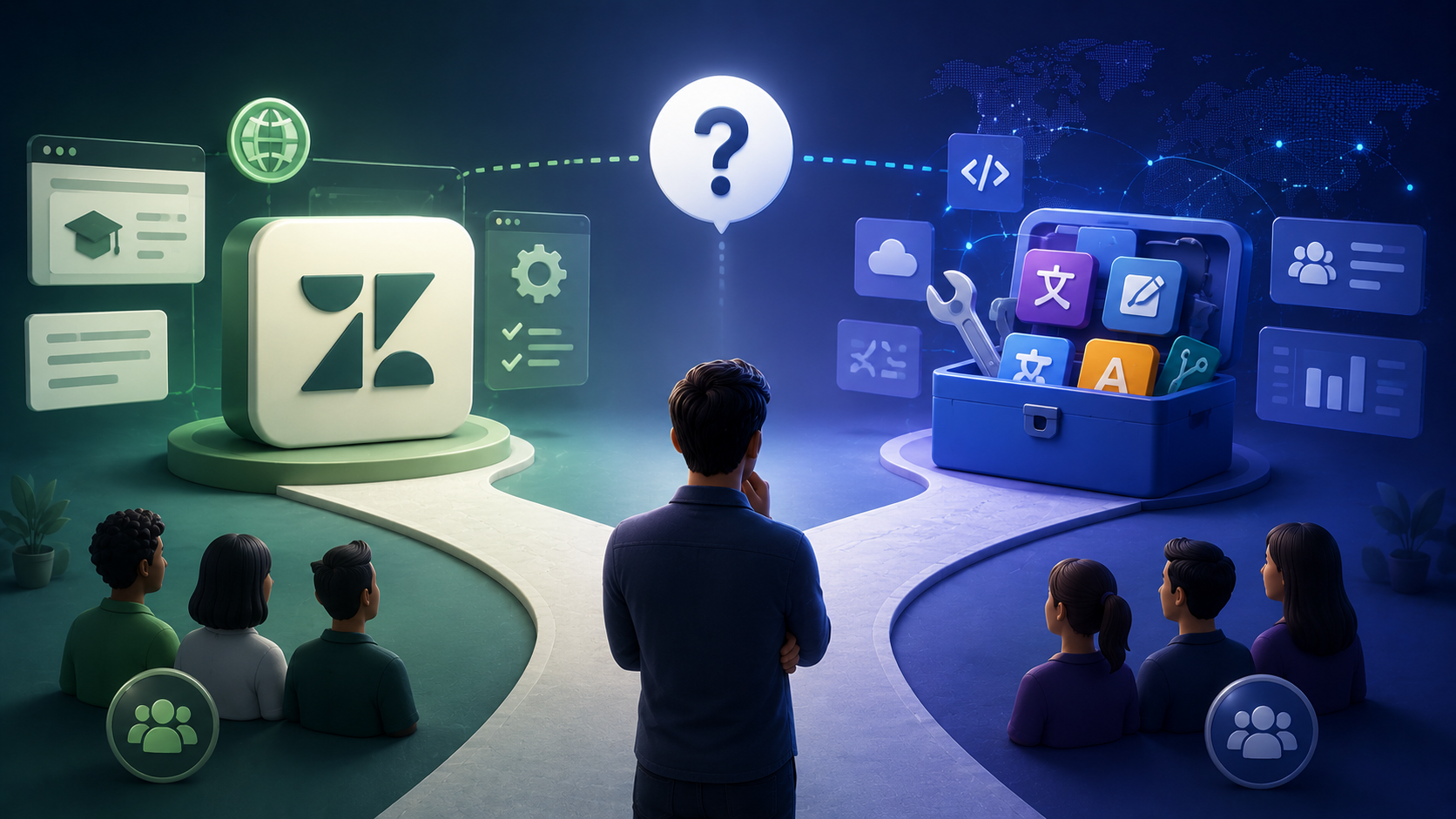
Zendesk Guide serves as the help center backbone for tens of thousands of companies, hosting knowledge base articles that customers rely on for self-service support. At some point, most of these companies face a straightforward but consequential question: how do you serve customers who speak different languages? The answer typically comes down to two main approaches – use the built-in zendesk translation features that ship with Guide, or layer a third-party localization tool on top to handle the production side of multilingual content.
The choice is not purely technical. It depends on team size, content volume, update cadence, the number of target languages in play, and how seriously the organization treats localization as a long-term operational function rather than a one-time project. A two-person support team translating a handful of articles into Spanish faces a fundamentally different problem than a global support operation maintaining thousands of articles across fifteen locales with daily updates.
This article breaks down what each approach actually provides, where each one falls short, and how to match the right method to your team's specific needs. By the end, readers will have a clear understanding of native Zendesk Guide capabilities, what third-party platforms add, how the two compare across key decision factors, and a practical framework for choosing the approach that fits their scale and ambitions.
What Native Zendesk Guide Translation Actually Offers
Guide ships with a meaningful set of multilingual support features that allow teams to publish help center content in multiple languages without any additional tooling. Understanding exactly what is included – and what is not – matters before evaluating alternatives.
The native offering includes:
● Multi-language help center architecture. Guide supports a default language plus multiple translation locales. Zendesk requires separate entries for each language in help center, and URLs reflect locale codes (e.g., /hc/en-us/articles/… vs. /hc/fr/articles/…). Categories, sections, and articles each need localized versions for translated content to display properly within the hierarchy.
● Per-article translation workflow. Inside the Guide interface, each article has a translation panel where teams can add a target language and manually enter or paste translated text. The platform allows hosting translated articles natively within help centers. Zendesk's native AI translates instantly without complex setup through the Copilot add-on, generating draft translations that still require human review.
● Dynamic content for macros and automations. Dynamic content allows multiple language variants in Zendesk, enabling teams to create text snippets with variants for different languages used in macros, triggers, and email templates. You can export dynamic content as CSV files for translation and use placeholders in dynamic content for language-specific additions. Zendesk allows translation of automated email messages for multilingual support as well.
● API access for translation management. Zendesk's Help Center API provides endpoints to list, create, update, and retrieve translations programmatically. Using APIs, translation management systems can integrate directly with Zendesk. The API exposes an "outdated" flag that indicates when source content has changed since the last translation update.
● Manual upload and copy-paste workflows. Without additional tools, the standard process involves exporting or copying source content, sending it to translators, and pasting translated files back into Guide via the UI. Content updates can be managed by assigning native-speaking agents to handle translations in their respective languages. Native tools allow manual oversight of translated materials at each step.
Where the native experience stops short is equally important. Zendesk Guide provides no built-in translation memory, no glossary or terminology management, no real-time collaboration tools for multiple translators working simultaneously, no quality assurance automation for checking placeholders or consistency, and limited workflow controls for enforcing review and approval cycles before publishing. Native tools lack advanced features like complex terminology management that mature localization operations require.
The clearest way to frame it: Guide gives your team the publishing layer for multilingual content, but not the production layer. It can host and display localized versions effectively. What it does not provide is the infrastructure for producing translations at scale with consistency, speed, and quality controls.
What Third-Party Localization Tools Add on Top
Third-party localization platforms exist specifically to fill the production gap that the native help center leaves open. These tools sit between your source files and your published help center, managing the translation workflow, enforcing quality, and syncing translated content back into Guide.
The category typically brings:
● Translation memory for content reuse and consistency. Translation memory tools reduce costs by reusing previously translated phrases. When a sentence or paragraph appears across multiple articles, or when an article is updated with only minor changes, TM ensures translators are not starting from scratch. Translation memory reuses past translations for efficiency, compounding savings as content volume grows.
● Glossary and term base management. Glossary management ensures consistent terminology in translations. Teams define preferred terms, forbidden alternatives, and style rules that translators reference during work. This directly supports brand voice maintenance across languages and over time.
● In-context editing and screenshot support. Some platforms allow translators to see how content will appear in the help center while translating, reducing errors caused by missing context or layout assumptions.
● Real-time collaboration across translators and reviewers. Multiple translators, reviewers, and proofreaders can work concurrently across language pairs. Workflow automation handles the assign, review, approve, and publish cycle without manual coordination.
● Machine translation integrations with post-editing. Third-party tools often use advanced AI for translation quality, integrating engines like DeepL and Google Translate with structured post-editing workflows. Teams can route low-risk content through machine translation while reserving human translation for customer-facing or legally sensitive material.
● QA checks for placeholders, length, and terminology. Automated quality assurance catches broken HTML, missing placeholders, inconsistent terminology, and untranslated segments before content reaches production.
● Integration with Zendesk Guide via API or native connector. Many third-party tools synchronize updates to translated content automatically. Some connectors auto-pull new or updated source content on a scheduled basis, push translations back as draft or published based on review thresholds, and handle locale mapping between the platform and Guide.
The trade-offs are real and should not be minimized. Implementing third-party tools often requires additional licensing costs on top of the existing Zendesk subscription. Setup time and learning curves are nontrivial – integrations must be configured, locales mapped, user permissions defined, and translators onboarded to yet another platform. There is also a risk of sync conflicts if multiple tools or people modify the same content simultaneously, and an additional vendor relationship to manage for security, uptime, and support.
How the Two Approaches Compare Across Key Dimensions
The decision between native and third-party becomes clearer when examined across the specific dimensions that matter most to support and localization teams. Below is a structured comparison across six critical factors.
Translation Workflow and Collaboration
The native Guide workflow is sequential and manual. One person translates, someone else reviews offline (often via email or a shared document), and the final version is pasted into Guide. This works well for a single translator handling one or two languages with a manageable article count. Third-party tools enable concurrent workflows where multiple translators work across different languages simultaneously, reviewers comment inline, and content flows from source to publication automatically once review thresholds are met. For teams managing three or more languages with regular content updates, the manual approach can introduce delays measured in days or weeks that automated workflows compress significantly.
Cost at Low Volume vs Cost at Scale
For teams with fewer than two hundred articles, one to two target languages, and monthly or slower update cadence, native zendesk language translation is typically the most cost-effective path. Translation costs are limited to translator fees, and no additional platform subscription is needed. Native translation tools suit simple needs with minimal content volume. As content volume and language count grow, however, third-party tools begin showing ROI. Translation memory reduces effective per-word costs by reusing past work, and workflow automation cuts the internal coordination time that quietly consumes staff hours. Industry benchmarks suggest human translation rates of roughly $0.08 to $0.14 per word for common European languages, with machine translation plus post-editing running somewhat lower. The savings from TM compound over time, especially for teams with repetitive or template-driven content.
Quality and Brand Consistency
Without translation memory or glossaries, quality in the native approach depends entirely on individual translator discipline and whatever external style guides the team maintains. The same term may be translated differently across articles, and tone can drift without anyone noticing until a customer flags an inconsistency. Third-party tools can provide better accuracy and brand consistency by automatically enforcing glossary terms, surfacing TM suggestions, and running QA checks before publication. Zendesk's translation tools can improve customer satisfaction significantly when paired with consistent terminology, but that consistency is harder to maintain without automated enforcement as the volume of center articles grows.
Customer experience research suggests that users are more likely to trust and engage with support content when it is presented in their preferred language, making terminology consistency and translation quality increasingly important as multilingual knowledge bases expand.
Speed of Updates
When a source article changes in Guide, the native workflow requires someone to manually identify which translations are now stale, send updated content to translators, and paste the results back. The API's "outdated" flag helps with detection, but the rest remains manual. Third-party platforms with active connectors detect source changes automatically, mark affected translations as needing updates, and trigger assignment workflows. Some platforms check for source updates hourly. For teams where help center content changes frequently – policy updates, product releases, compliance changes – this speed difference directly affects whether customers in other languages receive accurate information promptly.
Multilingual SEO Support
Zendesk Guide handles the foundational SEO layer for multilingual content reasonably well: locale codes in URL paths, language-specific content rendering, and basic metadata. Zendesk can auto-detect users' language preferences for support, and the locale-based URL structure helps search engines distinguish content by language. However, slugs are auto-generated with numeric IDs, and meta description control is limited. Third-party tools do not directly alter the SEO layer – URL structure and metadata remain constrained by Guide's architecture. What they improve is the consistency and completeness of translated content, which indirectly supports SEO by reducing bounce rates and improving page quality signals across locales.
Vendor and Translator Management
The native approach requires teams to bring their own translators – whether in-house, agency, or freelance – and manage those relationships entirely outside of Zendesk. Tracking who translated what, maintaining accountability, and coordinating across language pairs happens in spreadsheets or project management tools. Third-party platforms often include vendor management features: translator profiles, work history, role separation between translator, reviewer, and proofreader, and sometimes marketplace access to vetted agencies. Third-party apps support a wider range of languages than native tools, which matters as teams expand into less common locales.
AI and Machine Translation Integration
Zendesk's automatic translation uses Google Translate technology through the Copilot add-on, providing instant draft translations within the Guide interface. Automatic translation for agent comments is available in Zendesk as well, helping teams communicate effectively in real time support scenarios. However, the native AI integration offers limited control over engine selection and no structured post-editing workflow. Third-party platforms integrate multiple MT engines, allow teams to select or auto-route by language pair or content type, and wrap machine translation output in review workflows with quality estimation. For teams that want to balance speed and accuracy across a global audience, the flexibility of third-party AI orchestration is a meaningful advantage.
Which Approach Fits Which Team
The right choice depends on where a team sits on the scale and maturity spectrum. Three scenarios help clarify the decision.
Small teams, one to two languages, slow update cycle. For teams with limited multilingual content needs, native Zendesk Guide translation is usually enough. The volume is manageable without translation memory, the need for glossaries is minimal, and manual workflows are acceptable. Prioritize help center content for translation first, use dynamic content variants for macros and automations, and avoid the cost and complexity of an additional platform until the operational pain becomes real. Zendesk allows auto-detection of users' language preferences, and the built-in language settings handle display and routing adequately at this scale.
Mid-market teams, three to eight languages, active content cycle. At this level, a third-party localization tool starts paying for itself. Translation memory becomes operationally necessary to easily manage consistency across a growing volume of articles. Glossary enforcement protects brand voice as more translators work across more language pairs. Workflow automation replaces the spreadsheet-and-email coordination that quietly consumes hours. Third-party localization tools support high-volume content and multilingual teams, and the integration with Zendesk's ecosystem makes the transition manageable. Several established platforms – including Crowdin, Lokalise, Phrase, Smartling, Transifex, and Smartcat – integrate directly with Guide and offer the translation memory, glossary, and workflow features that the native experience lacks. Zendesk's translation features enhance customer satisfaction and retention, and layering production-grade tooling on top amplifies that effect.
Enterprise teams, eight-plus languages, daily updates, multiple brands. At enterprise scale, a third-party tool integrated with Guide is effectively mandatory. The volume of content, the frequency of updates, the number of translators and reviewers involved, and the compliance and consistency requirements exceed what native workflows can sustain. Zendesk's dynamic content supports multiple languages for articles, but the production complexity at this tier demands dedicated localization infrastructure. Without it, teams face consistency drift, translation lag, quality erosion, and the hidden costs of rework.
The Hidden Decision: Build vs Buy at the Workflow Layer
The native-versus-third-party framing can obscure the real question, which is a classic build-versus-buy decision at the localization workflow layer. Guide handles the publishing side well – it can host, display, and route multilingual customer support content across locales. What it leaves to the team is everything that happens before content reaches the publish button: how translations are produced, reviewed, quality-checked, and kept in sync with source content as it evolves.
Teams choosing the native path are implicitly building that workflow layer themselves, using spreadsheets, email chains, shared documents, and manual coordination to fill the gaps. This can work at small scale, but the internal cost grows nonlinearly as languages, articles, and update frequency increase. Teams choosing a third-party tool are buying that layer, trading subscription fees and setup effort for structured workflows, automation, and consistency enforcement.
Framing the decision this way helps support managers and CX leads think clearly about what they are actually trading off. The question is not whether Zendesk Guide is sufficient – it is whether the team's current and projected localization needs justify investing in dedicated production tooling, or whether manual discipline can bridge the gap effectively for now and help the company break into new markets at its own pace.
Conclusions
There is no universally correct answer. Both approaches are legitimate, and the right choice shifts as the company grows, as the number of languages increases, and as the help center evolves from a handful of articles into a substantial multilingual knowledge base. Zendesk customers at every stage of that spectrum can find a workable path.
The practical next step is an audit: count the current volume of help center articles, list the target languages, measure how often source content changes, and assess available translator headcount and localization expertise. Those numbers will make the decision largely self-evident. Teams with modest needs and tight budgets will find native Zendesk Guide translation entirely adequate. Teams with growing global reach, active content programs, and rising quality expectations will find that a third-party platform pays for itself quickly.
Localization in a help center is a long-term commitment, not a single project. The choice of tooling should reflect that horizon – scalable enough to grow with the business, but not so complex that it outpaces the team's ability to manage it today. Getting that balance right is what separates teams that effectively serve a global audience from those that merely translate a welcome message and hope for the best.