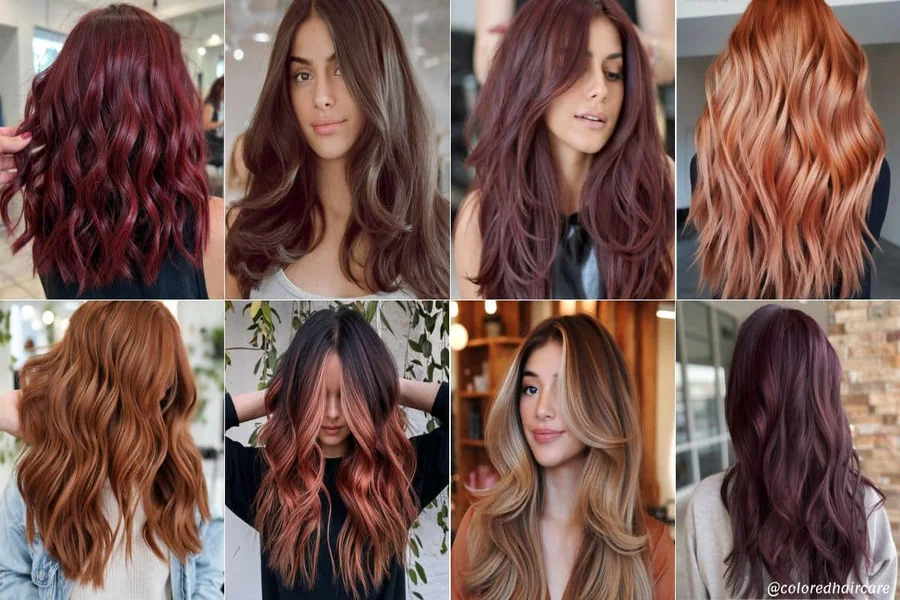
It is easy to fall in love with a hair color you see on a celebrity, a friend, or a salon page. But the same shade can create a completely different effect on another person. Skin undertone, eye color, eyebrow depth, natural contrast, and even the lighting you are usually photographed in can all influence whether a color feels harmonious or unexpectedly harsh.
If you want to compare a few options before making a real change, an app to edit hair color can help you see how different shades interact with your own features. The most useful preview is not the one that looks dramatic at first glance, but the one that still feels balanced when you look at the whole face.
Start With Your Skin Undertone
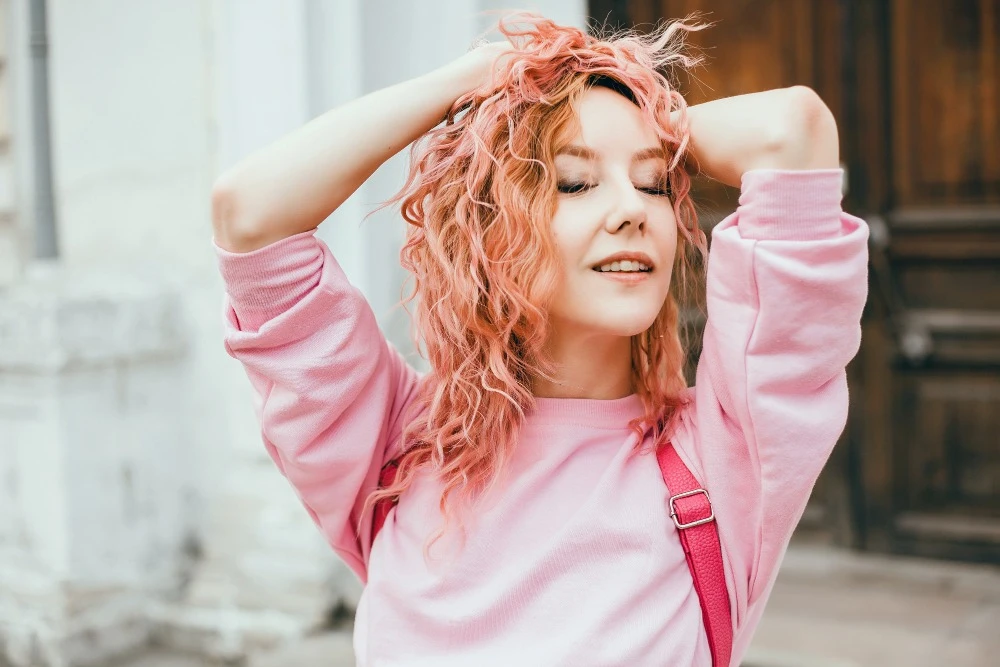
Hair color sits right next to the face, so it can make the skin appear warmer, cooler, brighter, or more muted. Warm copper, honey, or golden shades may complement some complexions, while ash, beige, or cool brown tones can work better with others.
You do not need to follow rigid “warm versus cool” rules, but noticing the effect is useful. If a shade makes your skin look unusually red, gray, or washed out in a neutral photo, try a nearby tone with a different temperature.
Look at Contrast, Not Just Color
The depth of the shade matters as much as its undertone. Very dark hair can create strong contrast against light skin, while very pale blonde may reduce contrast around the eyes and brows.
When comparing options, check:
-
whether your eyebrows still look balanced;
-
if your eyes remain noticeable;
-
how the shade works with your natural skin tone;
-
whether the hair overwhelms the face;
-
if the overall contrast feels soft or dramatic.
Neither high nor low contrast is automatically better. The goal is to choose the effect you actually want.
Test the Shade in Neutral Light
A warm bathroom bulb can make brown hair look coppery, while cool light can make blonde shades appear more ashy. For a useful preview, choose a photo taken near a window or outdoors in open shade.
Avoid strong filters and colored lighting. A clean image lets you judge the hair color itself rather than the mood created by the photo. If possible, test the same shade on two angles to see how it works around the hairline and lengths. This also makes comparison easier.
Pay Attention to Brows and Makeup
A major color change can also affect how your eyebrows and usual makeup look. Going much lighter or darker may shift the balance of the whole face, even if the hair shade is attractive on its own.
Try viewing the edited portrait at normal size instead of focusing only on the hair. If your attention goes straight to the color and stays there, it may be overpowering your features.
The shade you love can still be a good starting point, but it does not have to be copied exactly. Testing nearby tones can help you find a version that suits your complexion, contrast, and style more naturally. The best choice is often the one that looks like it belongs with you, not simply the one that looked beautiful on someone else.