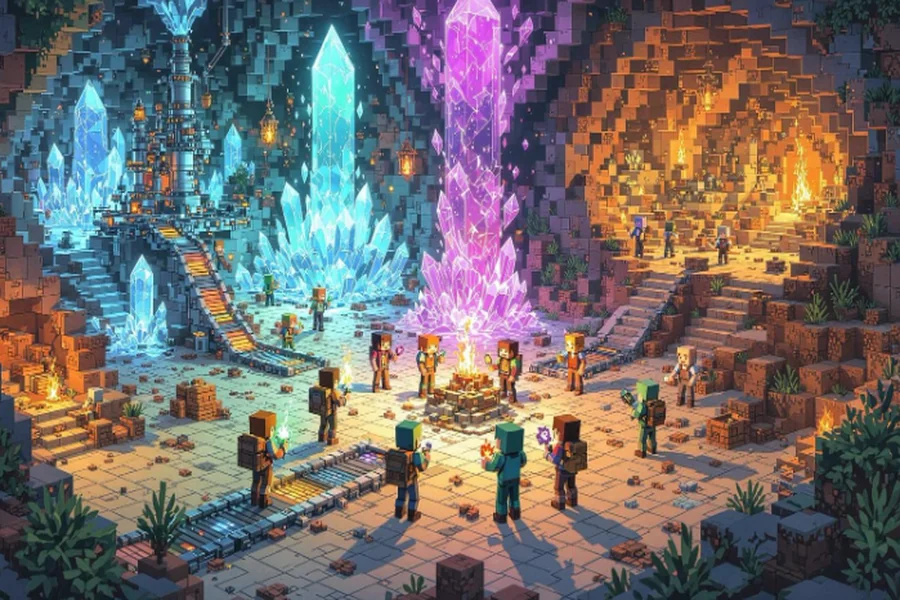
Want to play modded Minecraft with friends but setup feels like rocket science?
It’s actually simple. Grab CurseForge or ATLauncher, pick a modpack everyone likes, hit Server Install, and you’re done.
The hardest part? Remembering to share your IP address.
I’ve helped hundreds through this. Most problems come from overthinking.
Can you play modded Minecraft with friends? Absolutely.
We’ll cover launcher setups, server configuration, port forwarding fixes, and solving “mismatched mods” errors.
The best way to play modded Minecraft with friends starts with picking matching versions.
Once everyone’s connected properly — it’s easy.
Quick Start: The Easiest Way to Play Modded Together
Here’s the fastest method for setting up modded Minecraft with friends:
- Download your chosen launcher (CurseForge or ATLauncher)
- Install matching modpack versions for everyone
- Click “Create Server” in the modpack settings menu
- Run the server file, accept the EULA agreement immediately
- Share your IP address with friends via Discord
- Test connection before adding complex mods
Tip: Use FTB Revelation as a starter — it works great.
The Java version requires exact mod file matches for everyone.
Seamless multiplayer happens only when you follow this setup.
Popular starter packs include All The Mods 8 for variety or Create: Above and Beyond for engineering challenges.
Your friends connect using your IPv4 address (ipconfig in Command Prompt).
From download to playing together — expect about 30 minutes if nothing breaks.
Setting Up Your Own Modded Server
Running your own server gives you complete control over the experience.
I run three different servers — one for friends, one for testing wild mod combos, and one for community events.
The biggest decision isn’t technical — it’s choosing between local hosting or dedicated hosting.
Port Forwarding Tip:
Access your router at 192.168.1.1, find port settings, and open 25565 TCP/UDP.
Other notes:
- Server files download directly from modpack pages — look for “Server Pack.”
- Allocate enough RAM by editing start.bat with -Xmx4G (minimum).
- Common fixes:
- EULA=false → change to true
- “Connection refused” → firewall blocking issue
- EULA=false → change to true
Hosting alternatives like Godlike eliminate networking headaches entirely.
Running locally works for small groups, but upload speed often limits performance.
Dedicated hosting costs around $10–20/month — but removes all technical barriers.
Choosing Between Forge and Fabric
This comes down to your group’s priorities:
- Forge dominates tech & magic mods — essential for Create, Thermal Expansion, Botania.
- Fabric boots faster with better framerates, especially with Sodium.
Pro tip: Pick based on the mods you want — not theoretical performance.
A stable Forge server beats a broken Fabric setup.
Forge powers established modpacks built over years of development.
Fabric excels at optimization and quick updates.
- Industrial Foregoing needs Forge.
- Lithium requires Fabric.
- Quilt forked from Fabric, maintaining compatibility while adding features.
- NeoForge split from Forge but keeps mod support.
Both install the same way — just pick the correct launcher dropdown.
Essential Server Commands and Settings
Running a server means knowing your tools. Key commands:
/op [username] → Grants admin powers (only trusted friends)
/whitelist add [player] → Keeps randoms out
/gamerule keepInventory true → Prevents rage-quits on death
/setworldspawn → Sets spawn point
/difficulty peaceful → Removes mobs during builds
/tp [player] [x] [y] [z] → Teleports players instantly
Edit your server.properties file to optimize performance:
- view-distance=10 → reduce to 6 if players lag
- max-players=20 → adjust to match your RAM (≈300MB per player)
- spawn-protection=0 → allows everyone to build at spawn
- pvp=false → disables player combat if unwanted
Install EssentialsX plugin for /home, /tpa, and /spawn commands.
Use Paper servers — they handle plugins better than vanilla.
Troubleshooting Common Multiplayer Issues
| Problem | Real Fix |
| “Connection refused” | Add exception for javaw.exe in Firewall |
| Mismatched mods | Export profile from launcher → friends import it |
| Server crashes on startup | Increase RAM in start.bat (-Xmx6G) |
| “Mod rejections” | Sync exact mod versions & config files |
| Extreme lag spikes | Pre-generate chunks with Chunky mod |
| Port forwarding fails | Use Hamachi or Radmin VPN |
| Java version conflicts | Everyone uses Java 17 for 1.18+ |
| Wrong IP address | Share public IP (from whatismyip.com), not local one |
Bonus Tip:
Use MineOS Docker containers for easier command-line server management.
Properly configured resource packs sync automatically.
Minecraft’s networking requires specific ports for multiplayer to function correctly.
Best Modpacks for Multiplayer Fun
After testing dozens of packs with different groups, here are the top picks:
- All The Mods 8 → Tech, magic & exploration — great for diverse groups.
- Create: Above and Beyond → Turns engineering into creative teamwork puzzles.
- RLCraft → Brutal difficulty that demands coordination and specialization.
- Vault Hunters → Adds RPG mechanics & unique loot collection.
Server requirement: 8GB RAM minimum with five players online.
Community servers often run kitchen-sink packs for maximum variety.
Tutorial videos help groups learn complex mod interactions together.
Minecraft’s modding scene offers thousands of pack options — something for every playstyle.
If you’re looking for reliable server hosting options, check out the
Reddit hosting service I’ve used for modded servers — real user reviews and recommendations from the Minecraft community.