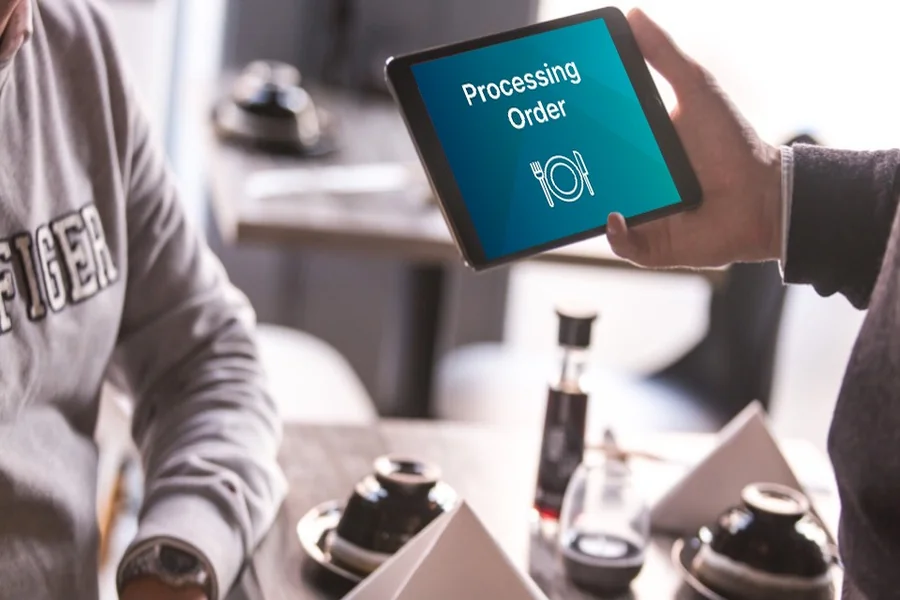
In a world where digital transformation is the cornerstone of business growth, companies are always seeking ways to automate processes, reduce distractions, and streamline user experiences. One increasingly popular solution is iOS Kiosk Mode, a feature that transforms iPads into powerful, single-purpose tools.
Whether you’re in retail, healthcare, education, or hospitality, iOS Kiosk Mode offers a secure and efficient way to deploy iPads for customer-facing tasks. In this article, we’ll break down what iOS Kiosk Mode is, how it works, and why it’s a game-changer for modern businesses.
What Is iOS Kiosk Mode?
iOS Kiosk Mode, also known as Single App Mode, is a feature on Apple devices that locks the iPad (or iPhone) to run only one app. Once enabled, users cannot exit the app, switch applications, or tamper with device settings.
This is ideal for scenarios where you want the iPad to act as a dedicated kiosk, such as a self-check-in station, survey terminal, digital catalog, or POS system. The device essentially becomes a purpose-built terminal, reducing distractions, improving security, and enhancing usability.
How Does iOS Kiosk Mode Work?
To activate Kiosk Mode on an iOS device, the device must be supervised and configured using Apple’s Mobile Device Management (MDM) tools such as Jamf, Mosyle, or Apple Configurator.
Key Steps:
- Supervise the Device
Supervision gives IT administrators deeper control over the iOS device. Devices can be placed under supervision using Apple Configurator or through Apple Business Manager (ABM). - Enable Single App Mode
Using your MDM provider, choose the app that you want the iPad to run. Once set, the device boots directly into the app and can’t exit it without admin access. - Configure Restrictions
Administrators can disable hardware buttons, volume control, sleep mode, or touchscreen gestures to ensure a fully focused user experience. - Remote Monitoring and Updates
Through MDM, businesses can manage multiple kiosk devices remotely — pushing updates, switching apps, or retrieving usage data without ever touching the physical device.
Types of iOS Kiosk Modes
iOS offers two main kiosk configurations:
Single App Mode
Locks the iPad to one app only, managed through MDM. Ideal for unattended kiosks and secure enterprise environments.
Guided Access Mode
A more manual version meant for temporary use — suitable for personal devices or when kiosks are used under supervision. It’s activated via device settings and allows basic lock-down features.
Key Benefits of iOS Kiosk Mode for Businesses
1. Enhanced Security
Locking down devices prevents users from accessing settings, apps, or sensitive company data. Perfect for public-facing kiosks.
2. Streamlined User Experience
With only one app visible, users aren’t distracted or confused. This improves task completion and reduces support needs.
3. Improved Operational Efficiency
Businesses can automate repetitive tasks such as form submissions, sign-ins, or product lookups — freeing staff for more important duties.
4. Centralized Device Management
With MDM, IT teams can control devices remotely, push updates, troubleshoot, and monitor usage in real time.
5. Cost-Effective Solution
Using an iPad as a kiosk is far cheaper and more flexible than building a custom terminal or buying expensive commercial kiosks.
Things to Consider Before Deployment
Before rolling out iOS Kiosk Mode in your business, keep the following in mind:
- Device Compatibility: Ensure your iPads are compatible with the latest iOS version and supervision is possible.
- App Readiness: The app you plan to run should be optimized for kiosk use — no ads, clean interface, and robust error handling.
- Security Measures: Consider physical enclosures to protect the iPad and restrict power access or theft.
- Wi-Fi & Power Access: Stable connectivity and constant power supply are crucial for uninterrupted kiosk function.
Final Thoughts
iOS Kiosk Mode is a powerful yet underutilized feature that offers businesses a secure, streamlined, and scalable solution for public and internal use. Whether you’re aiming to boost efficiency, enhance customer interaction, or simplify data collection, iPads in kiosk mode provide a cost-effective and professional toolset to meet modern business demands.
As digital transformation accelerates, leveraging tools like iOS Kiosk Mode can give your business a sharp competitive edge — all while delivering a frictionless experience to users.