Installing a security camera enhances the safety and security of any home or business. Proper installation is key to ensuring these cameras are effective. Whether you’re a seasoned professional or a DIY enthusiast, understanding the fundamentals of camera placement, wiring, and tactics to avoid common pitfalls is crucial. This guide provides expert recommendations and best practices for setting up security cameras effectively, covering key aspects like strategic placement, minimizing external interference, and maximizing longevity. By following these guidelines, you can significantly increase your surveillance system’s effectiveness and reliability, boosting peace of mind and ensuring the safety of your premises.
Planning & Pre-Installation Steps
Assess Your Coverage Needs
Begin by evaluating the areas you need to monitor. For additional guidance, many find startwitha-z.com helpful for planning effective security camera placements. Determine key entry points such as doors and windows and other vulnerable spots like driveways or backyards. Consider both indoor and outdoor coverage. For effective surveillance, note how visibility changes day and night. Night vision is crucial for unlit areas. Sketch a layout of your property, marking zones to cover, which assists in selecting the number and type of cameras. This assessment ensures you invest in the right equipment, reducing blind spots and optimizing your security setup right from the start.
Choose Camera Types & Features
Selecting the right camera type is fundamental. Opt for outdoor-rated cameras with weatherproof features for external areas. Indoor cameras are ideal for monitoring inside the premises. Decide between wired or wireless systems; wired offers consistent connectivity, whereas wireless affords flexibility in placement. Consider additional features such as motion detection, zoom, and audio recording. Cameras with higher resolution provide clearer footage, making them preferable for recognizing details. Research different brands and read reviews to ensure the chosen models meet your specific needs.
Mounting & Placement Best Practices
Ideal Height and Angles
Mount cameras at a height of 8 to 10 feet to prevent tampering while maintaining a comprehensive field of view. Angling the camera slightly downward enhances coverage, capturing clear images of people’s faces and activities. Avoid placing cameras too high, which can obscure facial details and other critical elements. Test different angles to achieve the desired scope and detail before finalizing the installation.
Minimize Blind Spots & Overlap Views
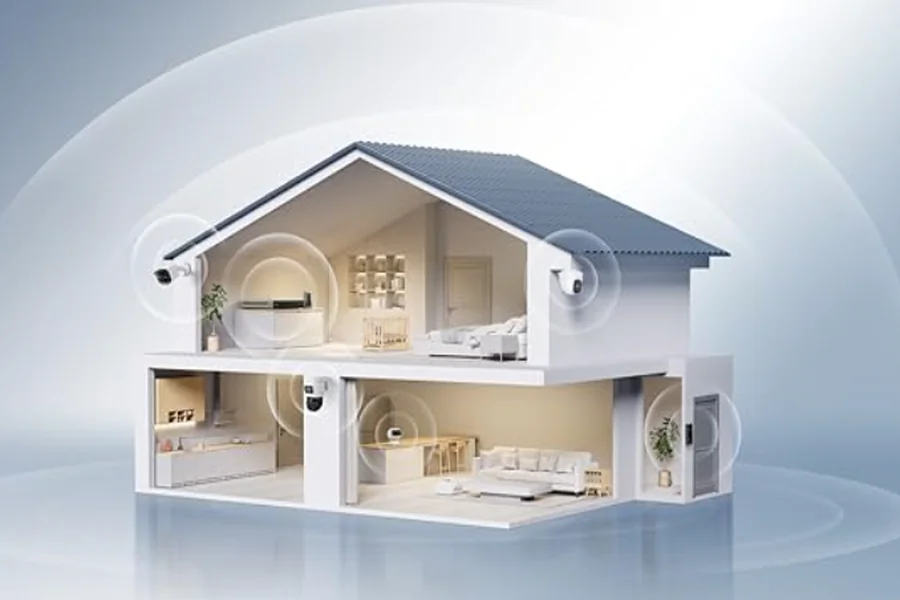
Strategically position cameras to minimize blind spots. Ensure fields of view overlap slightly to cover vulnerable transitions and approaches. Avoid redundant placement where coverage overlaps excessively, wasting resources. Rotating cameras can help adjust the coverage areas efficiently. Check for objects that may obstruct the view, like trees or decor, and reposition the camera to maintain a clear line of sight.
Avoid Harsh Light & Glare
Place cameras away from direct sunlight or artificial lighting, which can create glare and obscure the footage. Opt for shaded positions or use sun shields to block intense light. Test footage during different times of the day to identify and rectify glare issues. By managing the lighting conditions, you’ll improve image quality and reliability of your security feed.
Maintenance & Long-Term Reliability
Regular Cleaning & Inspection
Conduct regular inspections and cleanings of cameras. Dust and moisture can impair quality, so wipe lenses gently using a soft, lint-free cloth. Scheduled checks ensure cables remain secure and protective housings are intact, extending your camera’s lifespan.
Firmware & Software Updates
Keeping your system updated is crucial for security and performance. Regularly check for firmware updates provided by the manufacturer. Install these updates promptly to fix vulnerabilities and enhance functionality, ensuring your cameras operate at peak efficiency.
Backup & Storage Strategies
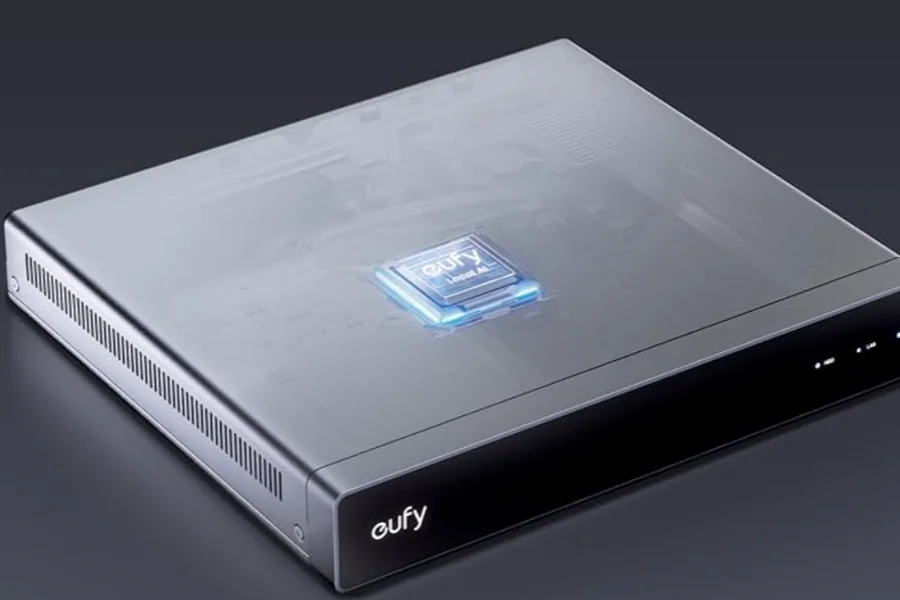
Implement robust backup and storage solutions. Choose cloud storage for easy access and additional backup. Alternatively, invest in Network Video Recorders (NVRs) to store footage locally. Ensure data is frequently backed up to prevent loss and facilitate retrieval when needed.
Security & Privacy Safeguards
Strong Passwords & Two-Factor Authentication
Generate unique, complex passwords for each camera and associated accounts. Use a mix of letters, numbers, and symbols. Enable two-factor authentication (2FA) for an extra security layer. Regular password updates protect against unauthorized access and enhance system integrity.
Network Segmentation & Encryption
Create separate networks for your security system to safeguard it from external threats. Ensure data transmission is encrypted, preventing interception and unauthorized viewing. Consistently monitor network activity to detect and respond to any suspicious behavior or breaches.
Respecting Privacy Laws & Zones
Familiarize yourself with local laws regarding surveillance to ensure compliance. Avoid placing cameras in private spaces like bathrooms or bedrooms. Respect privacy and public boundaries to avoid legal complications and maintain trust with family or neighbors.
Conclusion
Effectively installing and maintaining security cameras secures your property and offers peace of mind. From careful planning and precise installation to regular maintenance and rigorous security measures, each step ensures a robust setup. Prioritize clear sightlines, regular updates, and data protection to optimize the system’s performance. By following these best practices, you leverage technology wisely to enhance safety and uphold privacy, creating a secure environment that benefits everyone involved.